Build a Complete Dynamic Personal Portfolio Website
Build a responsive Portfolio Website using Bootstrap, Core PHP, and MySQL. Learn PHP templating, dynamic content, database connectivity, and contact form development.
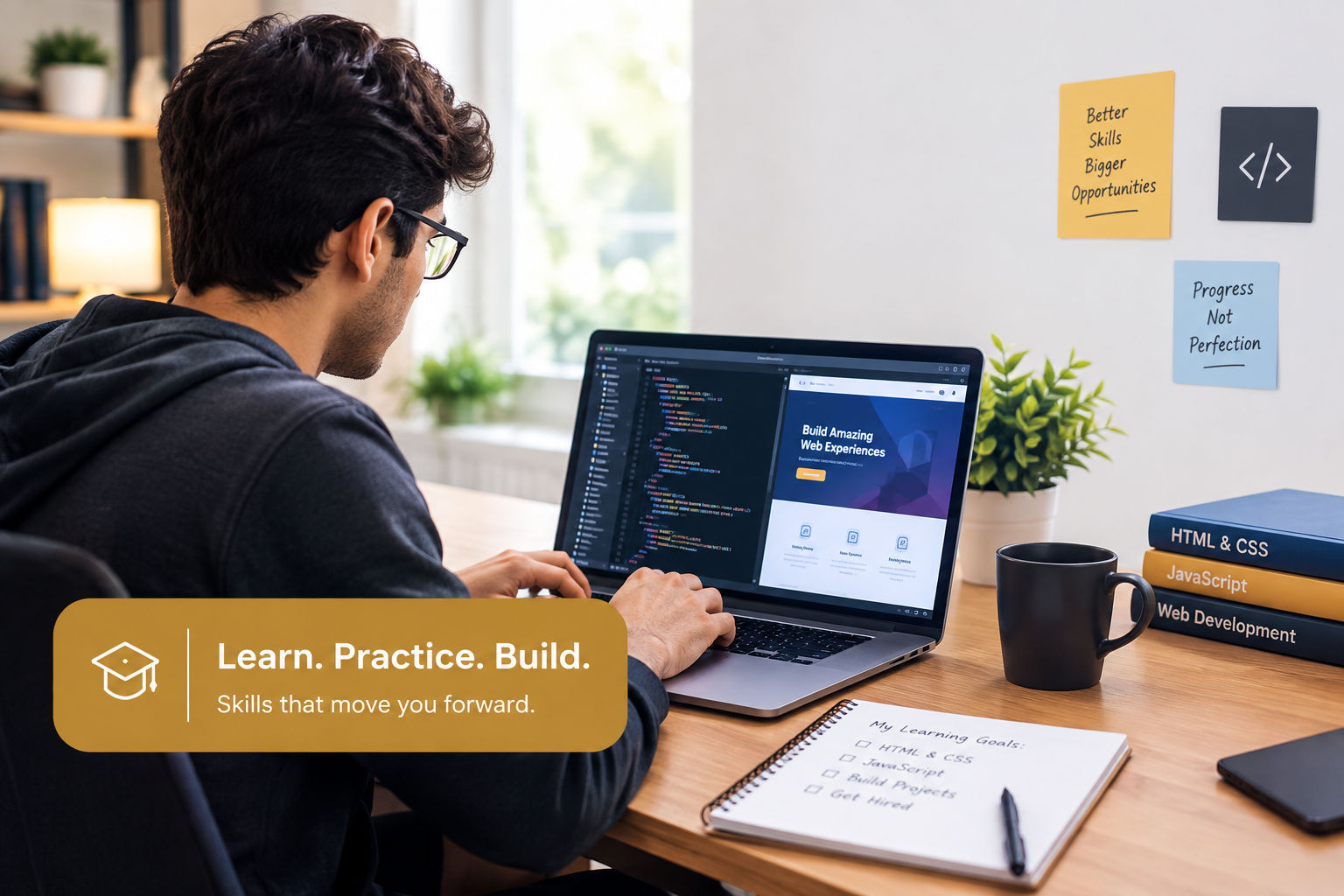
Build Your First Dynamic Portfolio Website
Start your web development journey by transforming a ready-made Bootstrap portfolio template into a dynamic website using Core PHP and MySQL. Students will learn how professional websites are structured, how to create reusable PHP layouts, and how to make static website content dynamic through practical, hands-on development.
Throughout this 7-day practical project, students will progressively develop multiple PHP pages, reusable headers and footers, dynamic sliders, website settings, portfolio projects, and education sections. They will also learn how to create a MySQL database, establish database connectivity using PHP PDO, retrieve and display records, and build a functional contact form that stores messages securely in the database.
Experience the complete web development process, from setting up a Bootstrap template to building a functional, responsive, and database-driven portfolio website. Gain practical confidence in Core PHP and MySQL while completing your first real-world project, step by step.
Tools You'll Work With
Learners apply practical skills and technologies taught throughout the Full Stack Web Development with PHP & Laravel course to build practical projects and gain hands-on experience.
What You'll Learn
- Understand the basic structure of a Bootstrap website and set up a local development environment using XAMPP.
- Convert a ready-made HTML portfolio template into a Core PHP website.
- Create reusable PHP headers, footers, and multiple website pages using include and require.
- Use PHP variables, arrays, and loops to display dynamic sliders, skills, and website settings.
- Create a MySQL database and establish a secure database connection using PHP PDO.
- Fetch and display portfolio projects and education records dynamically from MySQL.
- Develop a functional contact form with server-side validation and database submission.
- Test, organize, and complete a responsive, database-driven Personal Portfolio Website using Core PHP and MySQL.
Build the Application Step by Step
The project is divided into modules so students can build the application gradually instead of trying to understand the entire system at once.
Project Setup & Bootstrap Template
HTML to PHP Template Conversion
PHP Basics & Dynamic Website Sections
MySQL Database & PHP Connectivity
Dynamic Portfolio & Education Sections
Contact Form & Database Submission
Final Testing, Review & Submission
Learn Through Real Development Tasks
Explore some of the practical tasks included in Dynamic Personal Portfolio Website. Follow structured lessons and build your project step by step.
Introduction to the 7-Day Portfolio Project
Install and Configure XAMPP
Explore the Bootstrap Template
Create the Project Folder and Run the Template
Understand Core PHP and PHP File Structure
Don't Just Learn.
Build Something Real.
Turn your knowledge into practical skills. Learn step by step, write your own code, solve real development challenges, and build Dynamic Personal Portfolio Website with BetaSkills.